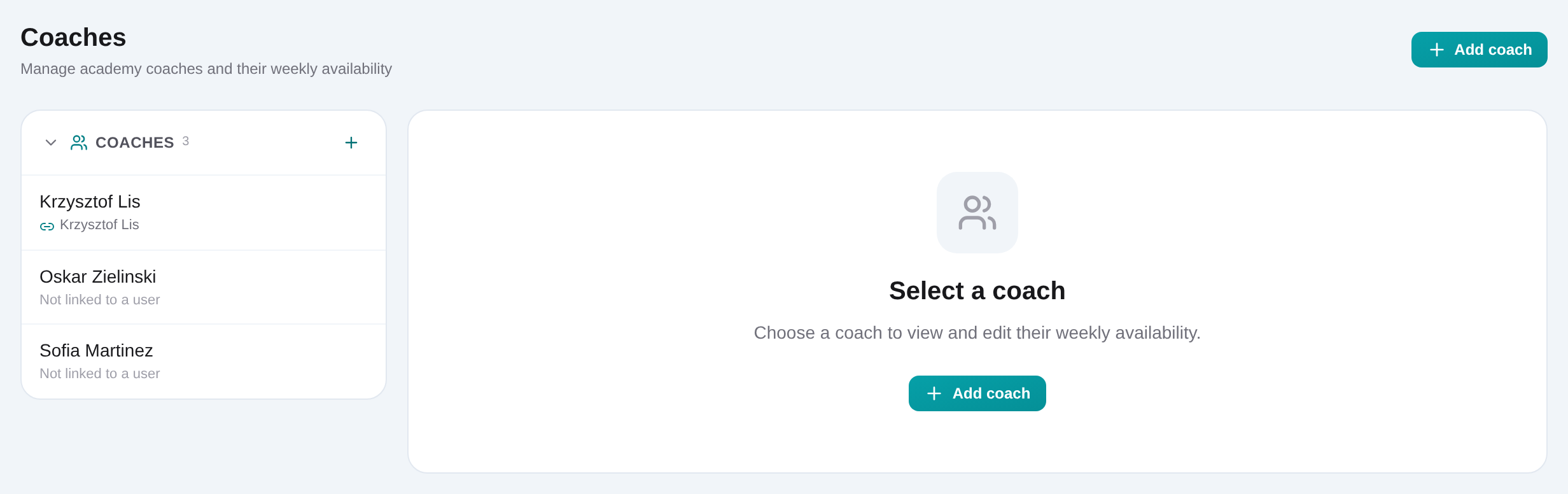
How to build a usable coach schedule
Open Dashboard → Coaches, create or select a coach, and optionally link the profile to an organization user. Then work in that coach’s weekly calendar instead of collecting availability in separate messages.
Open Dashboard → Coaches
Use the coach list to select an existing instructor or start a new profile.
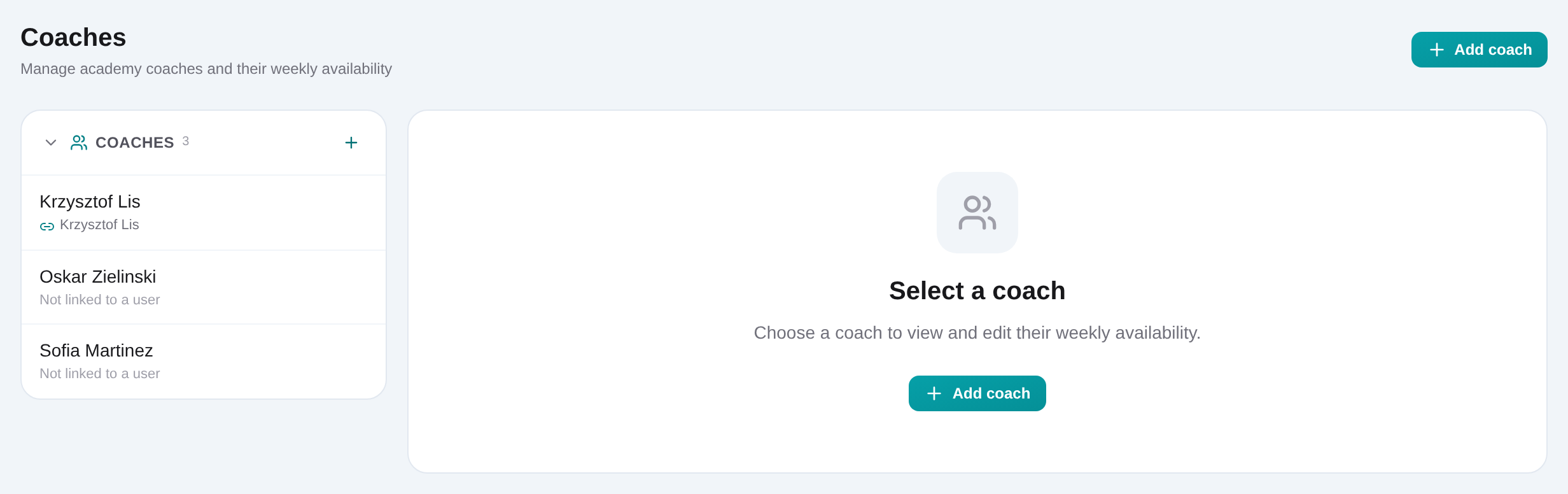
Create the coach profile
Enter the coach name and save. Keep one profile per instructor so academy enrollments and availability refer to the same person.
Optionally link an organization user
Select an unlinked organization member when the coach also needs dashboard access. Leave the profile unlinked otherwise.
Click the weekly grid to add availability
Add recurring Monday–Sunday boxes, then drag a box to move it or resize its edges. Times snap to the calendar’s 30-minute grid.
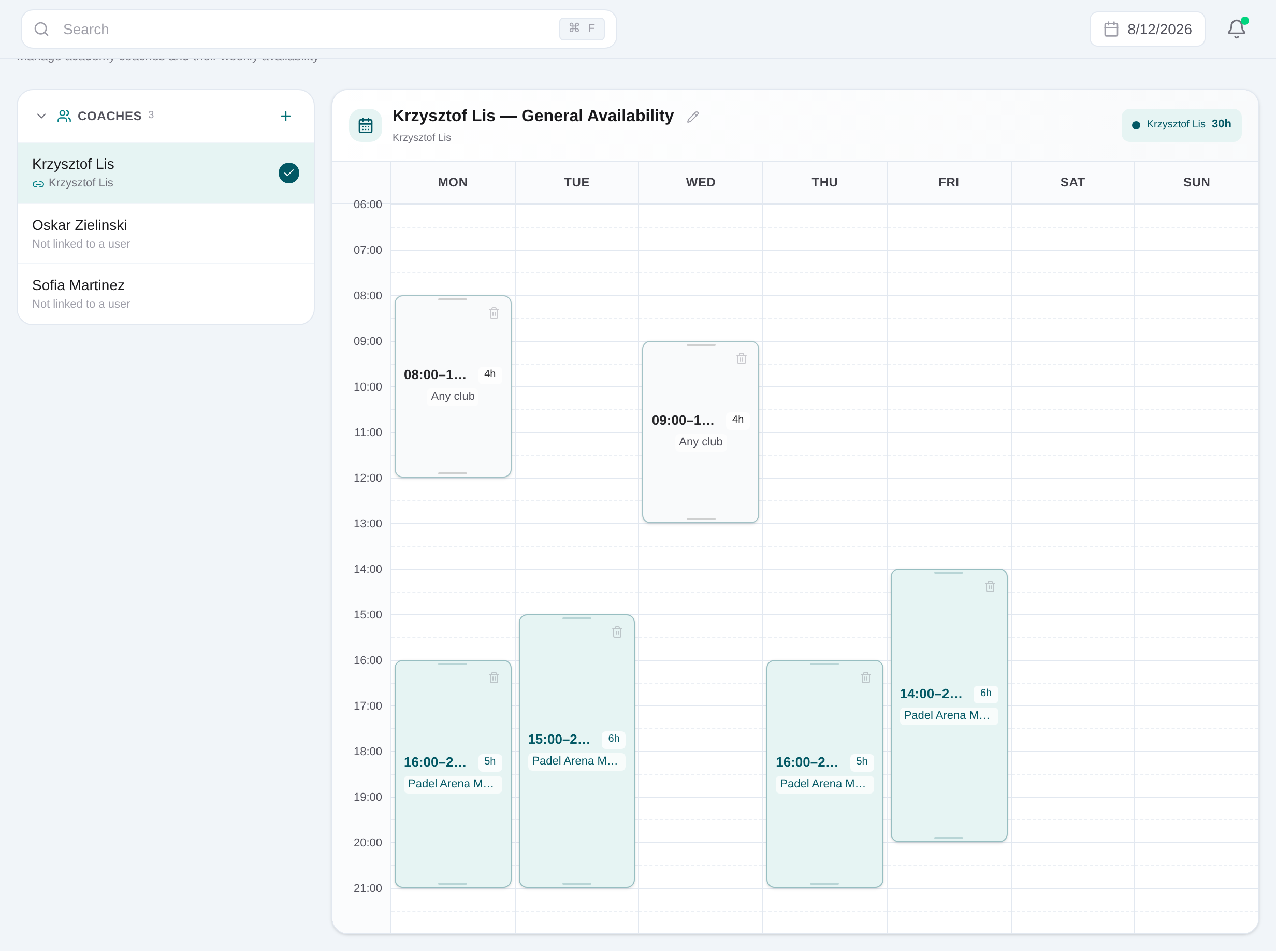
Choose Any club or one venue
Select the slot and set its club scope. Confirm the autosave indicator after the change.
Toggle coaches into the comparison
From the coach list, select additional names to display their availability beside the primary coach and identify overlap or alternatives.