How to start a reliable radar review
Open Dashboard → Market Radar and first check Last revision and revision count. Select the clubs you want to compare, then choose court type and zone so every KPI and chart is read against the same scope.
Open Dashboard → Market Radar
Begin on Overview and let the merged observation data load before comparing values.
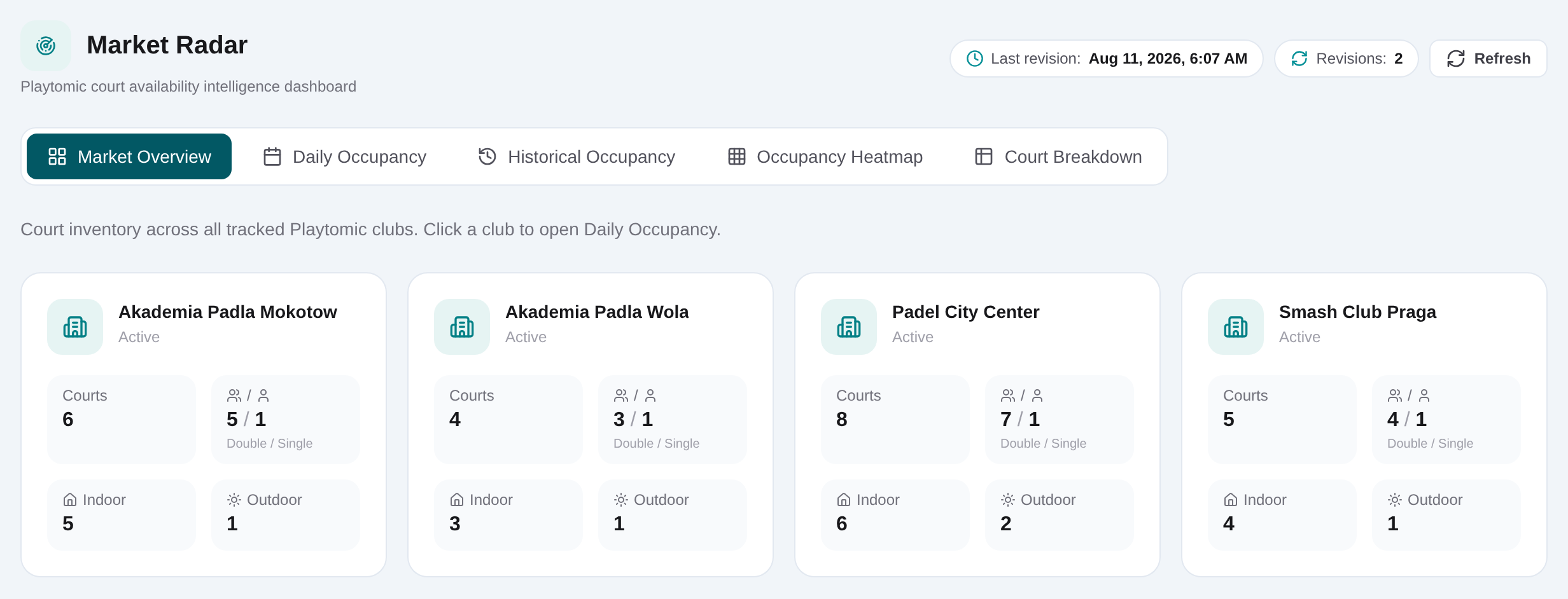
Check Last revision and revision count
Read the timestamp and number of revisions first. Treat sparse or stale coverage as a limitation on the analysis.
Select the clubs to compare
Use the club selector to create a focused comparison rather than mixing unrelated venues.
Set court type and zone
Choose double or other available court type scope and the relevant zone. Keep these filters consistent across tabs.
Read period KPIs as observed signals
Compare Today, next 5, next 7 and next 14 day views where available; do not interpret the percentage as a guaranteed booking forecast.
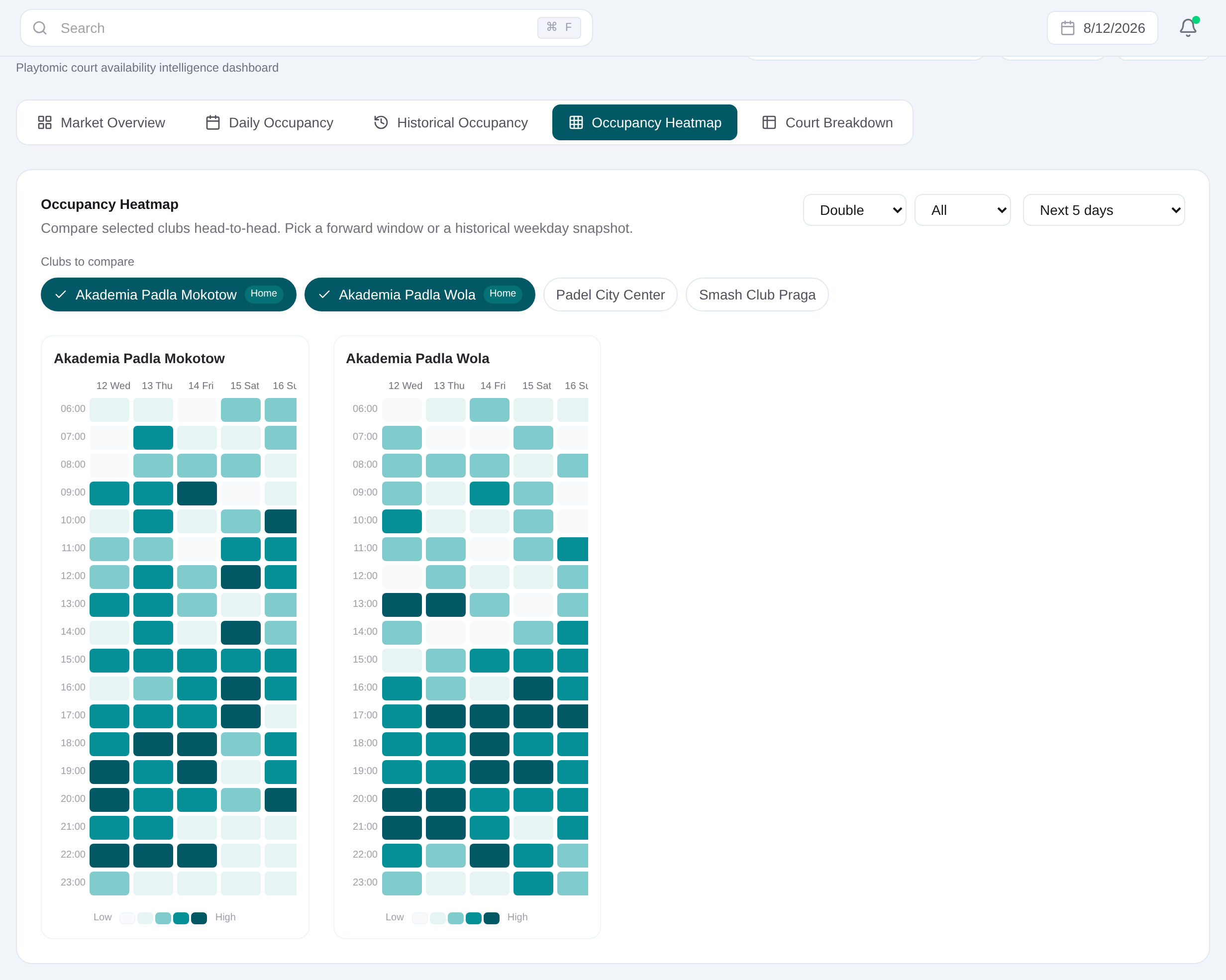
Open Heatmap for day-and-time concentration
Choose 5-day, 7-day or historical mode, then compare selected clubs with the same weekday and court filters.
Review Historical and Courts tabs
Use weekly and monthly columns for repeated patterns, then inspect the court breakdown to see whether an aggregate is driven by particular courts.