How to publish a procedure staff can find
An admin opens Dashboard → Procedures, chooses the department and category, adds a unique title, selects one club or All clubs, and writes the English markdown body. Add other language bodies where staff need them, then save.
Open Dashboard → Procedures
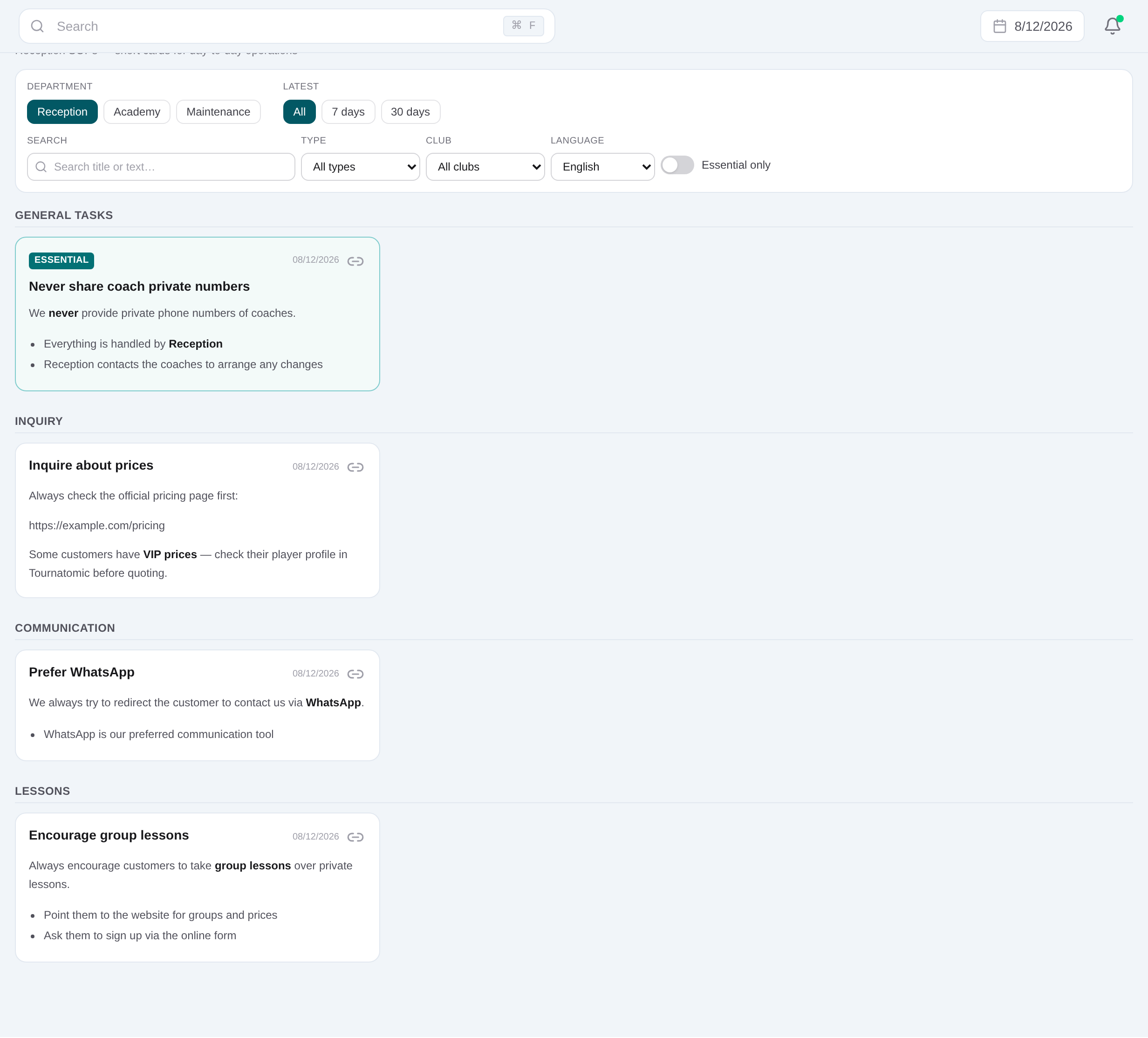
Use the current filters to check for an existing procedure before creating another document with the same purpose.
Choose department and category
Create the procedure and select the department and its category so staff can find it in the expected section.
Set All clubs or one club
Leave the club empty for organization-wide guidance, or select the venue when the procedure depends on that club.
Write the unique title and English body
Add a concise title and practical markdown instructions. English content is required and should contain the procedure steps, not a repeated title.
Add maintained language versions
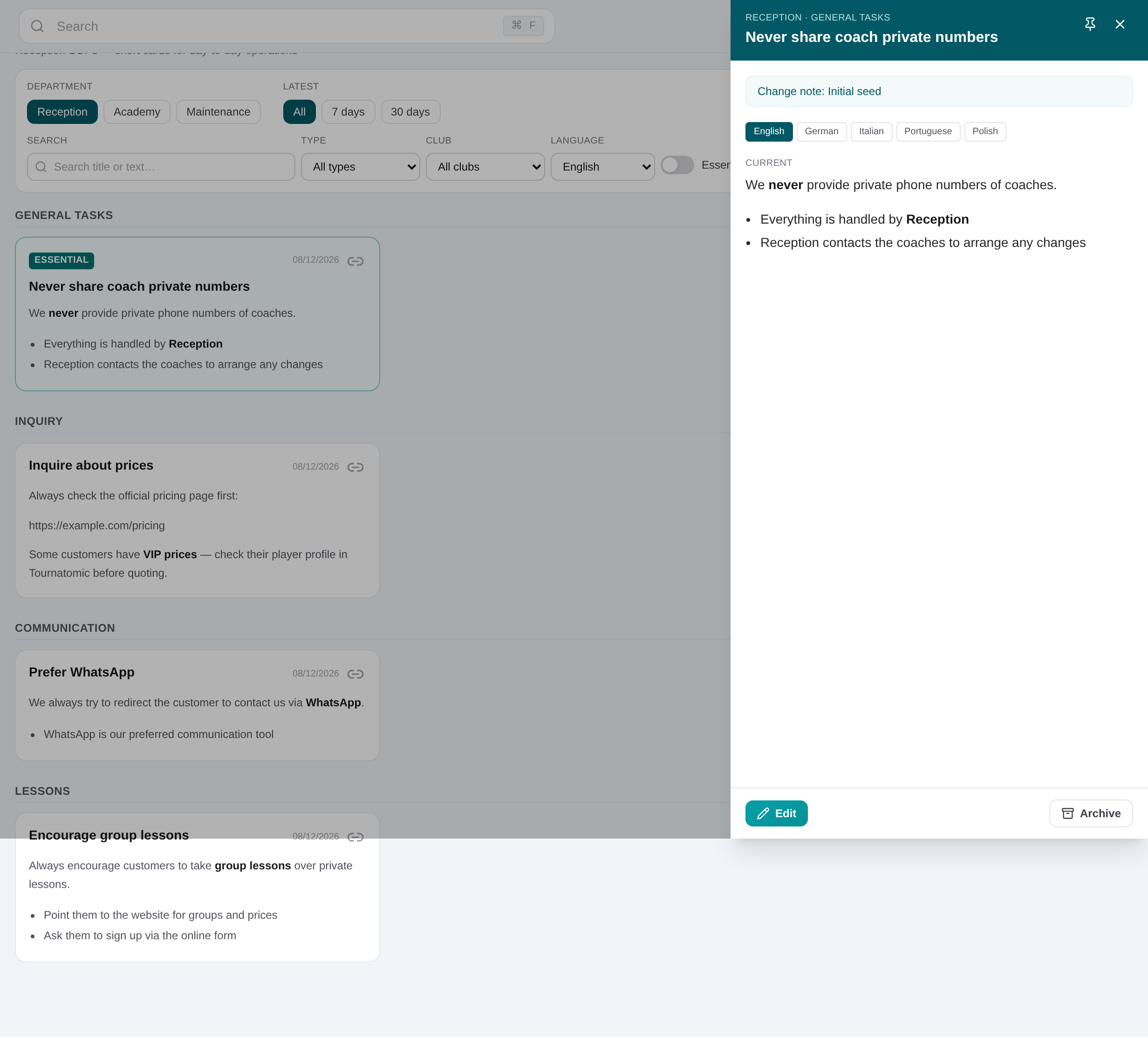
Fill additional language bodies when staff need them. Readers can select the available language from the procedure filters.
Set Essential when the process is critical
Use the Essential flag for guidance staff must surface quickly. Essential cards sort first and can be isolated with the filter.
Save and review the reader view
Save the procedure, open its detail route, verify markdown, taxonomy and scope, and check any recent previous version where relevant.